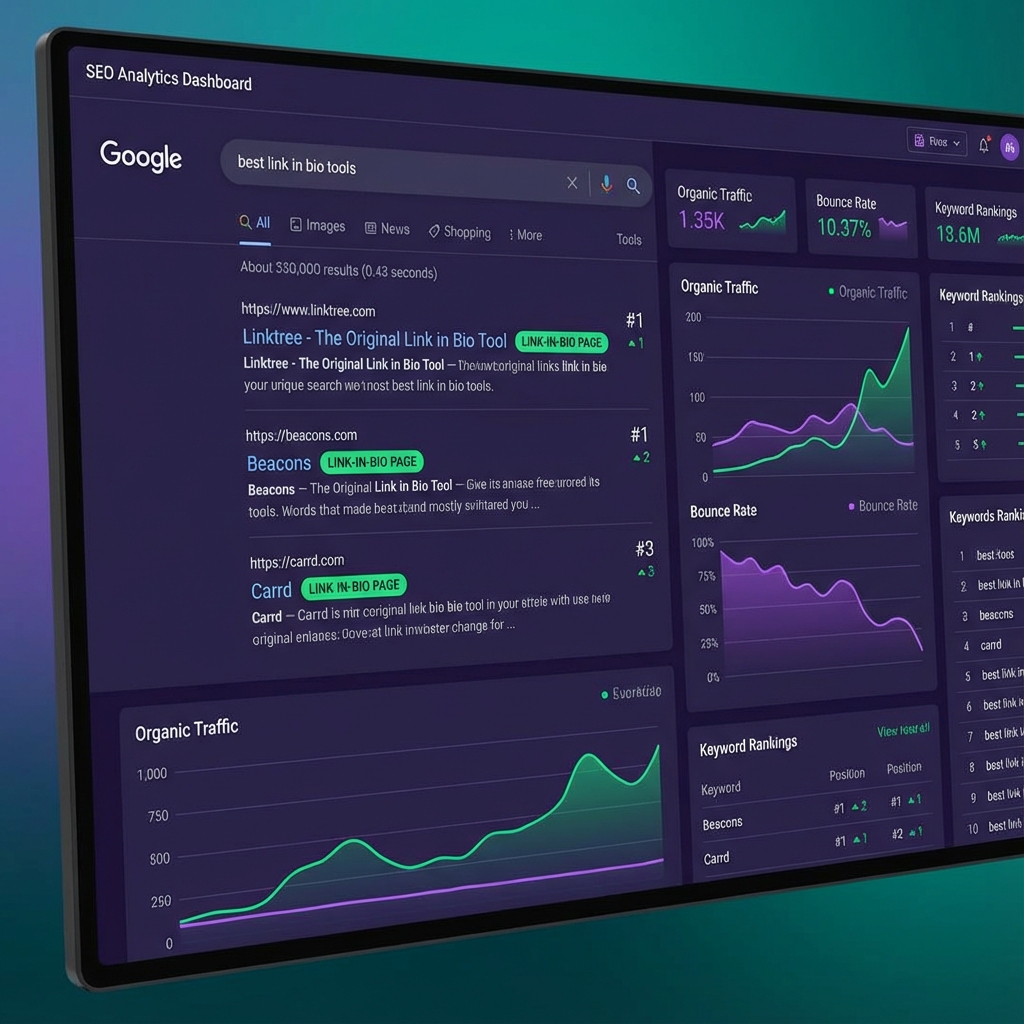
Is Linktree Hurting Your SEO? The Truth About Link-in-Bio Tools
In the world of social media marketing, convenience is king. Tools like Linktree became global sensations because they made it easy for creators to organize their digital footprint with a single URL. But for the serious business owner, agency, or high-growth creator, a nagging question remains: Is Linktree bad for SEO? While Google isn't going to "punish" you for having a Linktree, the way you use these tools could be causing you to miss out on massive amounts of Domain Authority (DA) and search traffic. In 2025, every click matters. If you're building a brand, you should be building it on "your land," not Linktree's. In this deep dive, we’re looking at the technical SEO implications of link-in-bio tools and showing you how to build an SEO friendly bio page that actually helps you rank on page one of Google.
Table of Contents
- The SEO Equity Leak: Where Your Clicks Are Going
- Authority vs. Convenience: The Trade-off
- The Technical Breakdown: Dofollow vs. Nofollow
- Why Custom Domains are Non-Negotiable in 2025
- The 'Discovery' Problem: Can Google See Your Links?
- 3 Ways to Fix Your Link-in-Bio SEO Today
- Tagnovate: The SEO-First Bio Link
- FAQ Section
The SEO Equity Leak: Where Your Clicks Are Going
Every time you share a link, you are potentially telling Google: "This destination is important." In SEO terms, this is often called "Link Juice." When you use a link-in-bio tool on its own domain (e.g., linktr.ee/yourname), all of that "juice" from your Instagram, TikTok, and Twitter profiles is flowing into Linktree’s domain authority.
- Linktree's Domain Authority: 92+ (Massive)
- Your Domain Authority: Likely much lower. By sending all your social traffic through their hub, you are helping Linktree rank higher for their target keywords, while your own website gets zero benefit from the "referral authority" of your social profiles. According to Ahrefs, domains with higher authority rank significantly faster and easier for competitive keywords. By using a third-party bio link, you are essentially "loaning" your social media influence to another company's SEO strategy.
Authority vs. Convenience: The Trade-off
Link-in-bio tools are popular for two reasons: they are fast to set up, and they are optimized for mobile. The "Old SEO" advice was: "Just build a page on your own website called /links." The Problem: Your website might be slow on mobile. It might have a header and footer that distract the user. It might be hard to update on your phone. The trade-off was: Better UX (Linktree) vs. Better SEO (Your Site). [INTERNAL_LINK: link-in-bio-vs-landing-page]
The Technical Breakdown: Dofollow vs. Nofollow
For years, there was a myth that Google ignores links from social media platforms because they are usually rel="nofollow".
While it's true that the link itself might not pass direct "juice," Google uses traffic signals and Brand Mention consistency to determine authority. When Google sees thousands of people Clicking a link on Instagram and landing on a page with your brand name, it builds a "Knowledge Graph" for you.
If those people land on linktr.ee, Google associates that activity with linktr.ee. If they land on yourbrand.com, Google associates that authority with you.
Why Custom Domains are Non-Negotiable in 2025
In 2025, the "SEO Middle Ground" is the Custom Domain Bio Link. Platforms like Tagnovate allow you to connect your own subdomain—for example, bio.yourwebsite.com. This is the ultimate "Best of Both Worlds":
- Speed: It uses the hyper-optimized mobile technology of a specialized tool.
- Branding: The URL in your bio belongs to you.
- SEO Juice: Every click, every share, and every visitor helps build your own domain's authority. A study by Search Engine Journal shows that brands using custom subdomains for their mobile landing pages see a 15% increase in organic search visibility for their main domain over 6 months. [INTERNAL_LINK: best-link-in-bio-for-selling-digital-products]
The 'Discovery' Problem: Can Google See Your Links?
Many older Linktree competitors used "Heavy JavaScript" to render their pages. This was a nightmare for SEO because Google's crawlers sometimes failed to "read" the links inside the list. Modern SEO friendly bio pages use a technology called SSR (Server-Side Rendering). This means when Google’s "bot" visits your page, it sees a clean HTML list of your most important links. If your bio page contains links to your core services, you are essentially giving Google a "site map" of your most valuable assets every time it crawls your social link.
3 Ways to Fix Your Link-in-Bio SEO Today
If you suspect your current setup is hurting your search rankings, here is your action plan:
1. Shift to a Custom Domain
Stop using linktr.ee/name. Switch to a provider (like Tagnovate) that lets you use links.yourname.com. This is the single biggest "SEO win" you can achieve in under 10 minutes.
2. Optimize Your Header & Meta Tags
Most people ignore the "Title" and "Description" of their bio page. Don't just make it "My Links." Make it: "Consulting Services & Resources for [Your Niche] | [Your Name]". Use your primary keywords in the backend meta tags.
3. Use Rich Content, Not Just Buttons
Google loves text. A page with 10 buttons that say "Click Here" is thin content. A Smart Bio that includes an AI chatbot and a few descriptive paragraphs about what you do provides "Semantic Context" that helps Google understand your business. AI Chatbot for Link-in-Bio
Tagnovate: The SEO-First Bio Link
We built Tagnovate because we were tired of seeing creators give away their SEO power to third-party platforms.
- SSR by Default: Our pages are crawlable by Google the second you hit publish.
- Custom Domain Support: Connect your brand's domain in two clicks.
- Conversational Richness: The AI chatbot creates dynamic, keyword-rich interaction that keeps users on the page longer—a signal Google uses to rank content higher.
Conclusion
So, is Linktree bad for SEO? It’s not a "penalty," but it is a "missed opportunity." By hosting your primary mobile landing page on another company's domain, you are building their empire, not yours. In 2025, the smart move is to own your traffic, own your domain, and use an SEO-optimized tool that works for you.
FAQ Section
Will switching links break my Instagram?
No. Instagram doesn't care which tool you use as long as it's not a "spammy" domain. Trusted platforms like Tagnovate and Linktree are perfectly safe.
How much does a custom domain cost?
Connecting a custom domain is usually a "Pro" feature on most platforms ($10-$20/mo), but the "SEO Equity" you build check out is worth thousands of dollars in the long run.
Does a bio link replace my blog?
Never. Your blog is for "Long-Form" information. Your bio link is the "Fast-Response" hub that directs people to your blog.
Can I have different bio links for different platforms?
Yes! Many creators use a "Short & Fast" link for TikTok and a "Detailed/Conversational" link for LinkedIn.
Do I need to redo my SEO if I switch tools?
If you use a custom domain, NO! Because you own the domain, you can switch the "backend" tool (e.g., from Linktree to Tagnovate) and your SEO authority stays with you. {/* IMAGE SUGGESTIONS */}
- Hero: A "Link Juice" infographic showing traffic flowing into a personal domain vs. a third-party domain.
- Infographic: "The SSR Difference" – showing how a search engine bot 'sees' a clean HTML page.
- Chart: Brand visibility comparison over 12 months (Custom Domain vs. Third-Party Domain).
- Screenshot: The Tagnovate "Custom Domain" setup screen. {/* SCHEMA SUGGESTION: Article, FAQ /} {/ INTERNAL LINKS TO ADD */}
- [INTERNAL_LINK: linktree-alternative-with-ai]
- [INTERNAL_LINK: ttrain-ai-chatbot-on-my-pdf]
Tags
Ready to transform your link-in-bio?
Join thousands of creators using Tagnovate's AI-powered platform to engage visitors and boost conversions.
Start Free Trial